
Image Concept Builder
Create consistent campaign visuals, brand-ready image systems, social posts, posters, and commercial creative variations from one focused workflow.


The page presents capability, scale, and workflow confidence before a visitor opens Studio.
Consistent creative directions for brand and campaign use
Ad visuals, posters, key art, and social-ready variations
Reusable creative directions for posts, covers, and promotions
Generate, compare, and refine brand visuals in one workspace
Focused homepage narratives, curated workflows, and model-ready Studio paths are designed as one premium product surface.
Each template keeps its own visual story, category focus, and workflow gallery while using the same product foundation.

Create campaign images and visual systems that feel coherent across social, web, ads, and product launches.
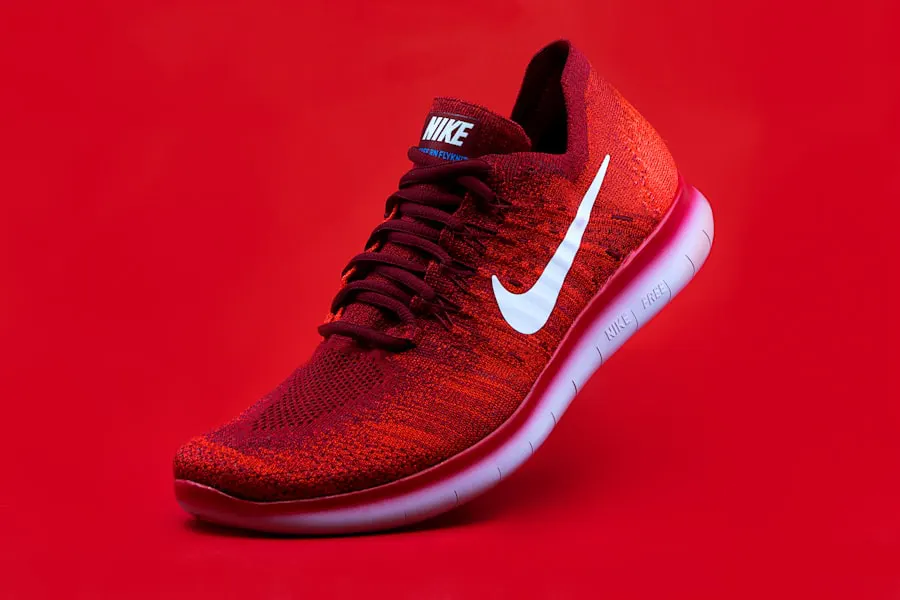
Generate multiple ad, poster, banner, and social concepts so teams can test creative angles faster.
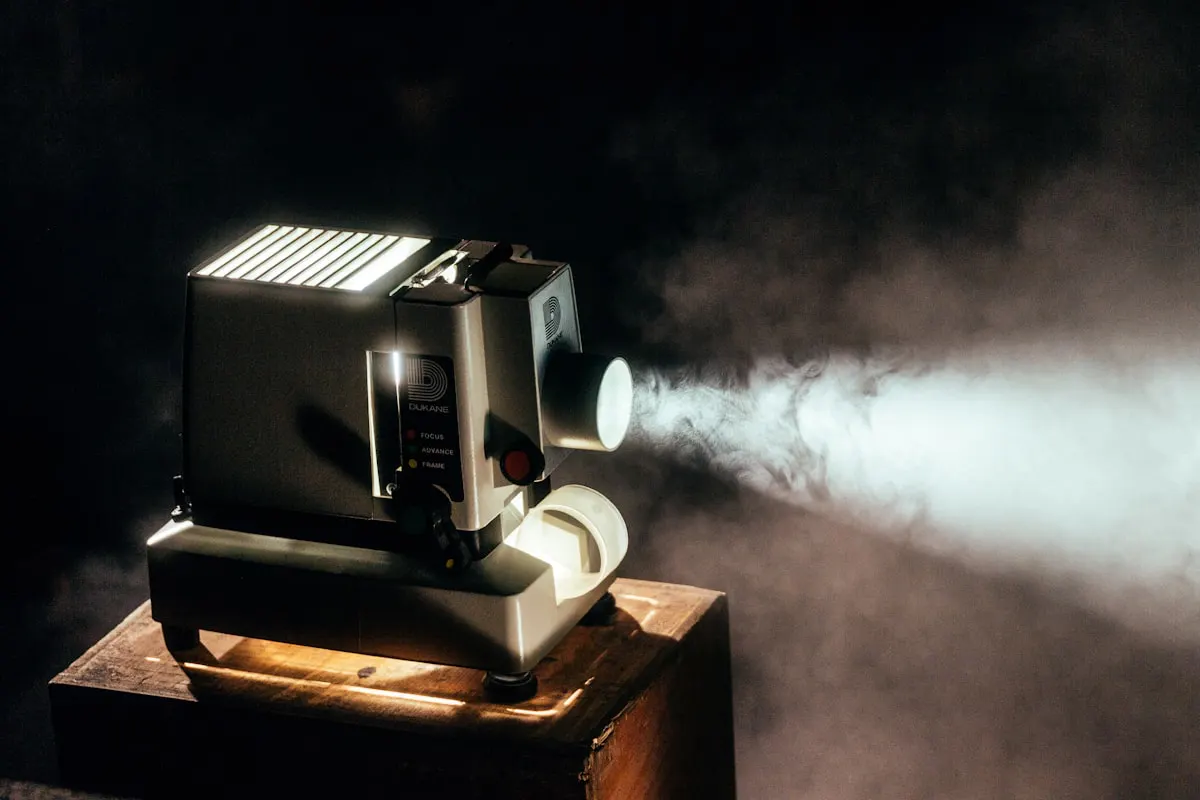
Use editing, enhancement, and image generation workflows to move from raw idea to publishable brand assets.
The page explains the product in a predictable sequence, so visitors know what to do before they start creating.
Start with a brand, launch, promotion, or content theme.
Select image generation, editing, poster, or commercial creative paths.
Create multiple visual directions while keeping the message and style focused.
Refine the strongest assets for social, ads, web, or campaign delivery.
Eight selected workflows for campaign visuals, brand assets, social content, posters, and launch-ready creative production.
Preparing curated app examples for this homepage.
Explore brand creative workflows or open Studio to generate campaign visuals for your next launch.